Lumatch for AI assistants
Your best photos, made inside ChatGPT
Connect Lumatch to the assistant you already use. Add your photos once — then just ask for a cafe shot for Hinge, a LinkedIn headshot or a new profile picture, and get photos that look like you.
Pay as you go · no subscription · 2 free credits to start
Make 2 photos of me at a sunny cafe for my Hinge profile
Lumatch · generate_photos
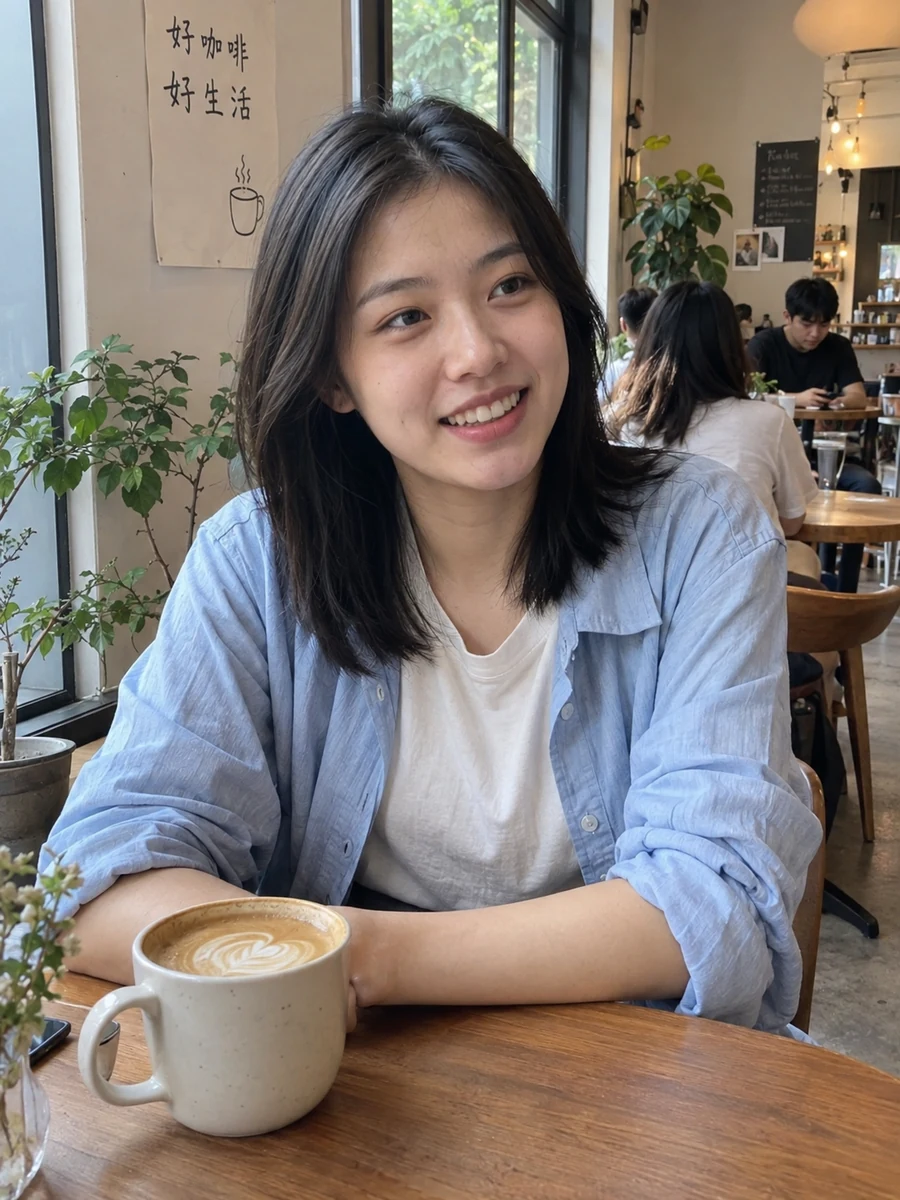
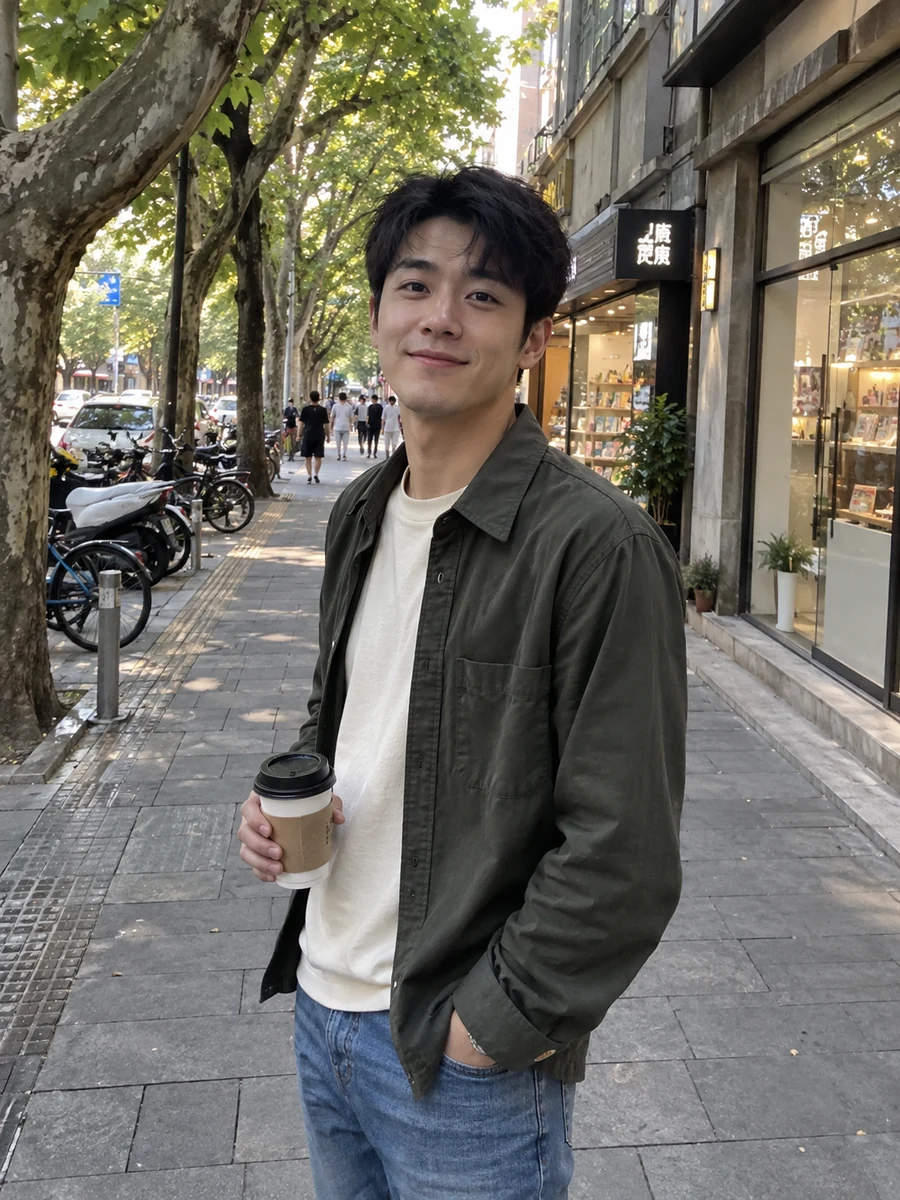
Here are 2 new photos (2 credits). Want a version with a warmer smile?
How it works
1. Connect once
Add Lumatch to ChatGPT, Claude or another assistant in about a minute, then approve access with one click.
2. Add your photos once
Send a clear selfie in the chat, or open a private upload link on your phone. Your photo profile is saved for next time.
3. Just ask
Describe the photo you want. Your assistant creates it, shows it in the chat and can fix details on request.
Things you can ask
- “Make 3 photos of me hiking at golden hour for Tinder.”
- “Give me a professional LinkedIn headshot in a navy blazer.”
- “Review this photo for Hinge and tell me if it should be my first picture.”
- “Recreate the vibe of this beach photo with me in it.”
- “Edit the second photo: more relaxed smile, remove the person behind me.”
- “Create a clean square profile picture for Instagram.”
Works with the assistants you use
ChatGPT
Add Lumatch as an app (connector) with one-click sign-in. Photos appear in a gallery right in the chat.
Claude
Add a custom connector with the Lumatch address, sign in and allow. Works on web, desktop and mobile.
Grok & xAI
Use the Lumatch MCP address with a personal API key wherever remote MCP tools are supported, such as the xAI API.
Meta AI, OpenClaw & more
Any assistant or bot that supports remote MCP or Skills can connect with an API key. Where it is not supported yet, the web studio uses the same credits.
Simple credits, no subscription
One credit is one photo at high quality (higher quality tiers cost 2 or 3). Edits cost the same as a photo; reviews are free. Failed photos are refunded automatically and credits never expire.
Starter
18
credits
$6.99
Plus
48
credits
$13.99
Pro
108
credits
$27.99
Private by design
- Only for photos of yourself: you confirm it is you and that you are 18+ before a photo is added.
- Your photos stay private in your Lumatch account. Chat links to results expire after 7 days.
- Assistants never see your password or payment details and cannot buy credits for you.
- Disconnect any assistant or revoke a key at any time in Settings → AI assistants.
For developers and power users
Lumatch is a remote MCP server (Streamable HTTP) with OAuth 2.1 and personal API keys.
- MCP server
https://lumatch.app/mcp- Auth
- OAuth 2.1 (dynamic client registration, PKCE) or Authorization: Bearer lm_…
- Tools
- get_account, add_profile_photo, create_photo_upload_link, generate_photos, edit_photo, get_photos_status, list_my_photos, review_photo
Questions
What is an MCP connector?
MCP (Model Context Protocol) is the open standard AI assistants use to call outside tools. Connecting Lumatch lets your assistant create and edit photos in your Lumatch account when you ask it to.
Do I need a subscription?
No. Lumatch uses one-time credit packs from $6.99 for 18 credits, and new accounts get 2 free credits. You pay only for the photos you create.
Which photos do I need?
One clear, well-lit front-facing photo is enough to start. Optional 45° angles, a half-body photo and a natural smile help likeness. You can add them in the chat or through a private upload link.
Does ChatGPT or Claude keep my photos?
Your source photos and results are stored in your private Lumatch account. Your assistant receives the results and expiring links to show them in the chat, subject to that assistant’s own privacy policy.
Can I make photos of someone else?
No. Lumatch is only for photos of the account owner. Uploading other people, minors or celebrities is not allowed and the assistant asks you to confirm before adding a photo.
Will the photos look like me?
Lumatch is built to keep your face, age and features recognizable. Like all AI images, results can vary — check each photo before posting and use edits to fix details.