AI dating photos & free photo review

AI dating photo generator. From your photo.

Create dating and social-profile photos from your portrait and a scene reference. Set the light, outfit and framing, then review the result. Start with 2 trial credits.

Free trial · one-time plans, no subscription

  • Private photo library
  • Based on your selfies
  • 16 everyday scenes
AI style inspiration

A little more you

Illustrative profile

Say hello

That cafe looks lovely ☕

Coffee is always a good idea.

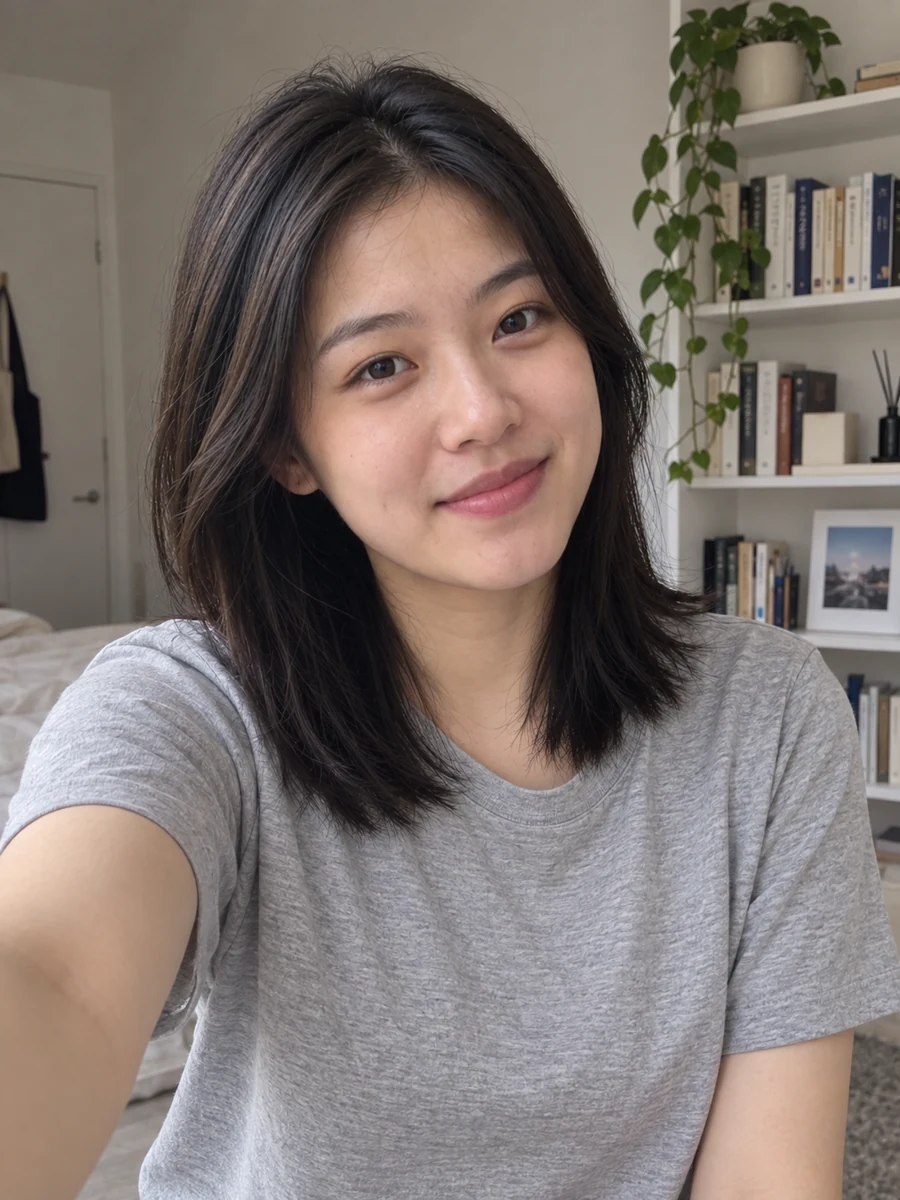
Reference selfie

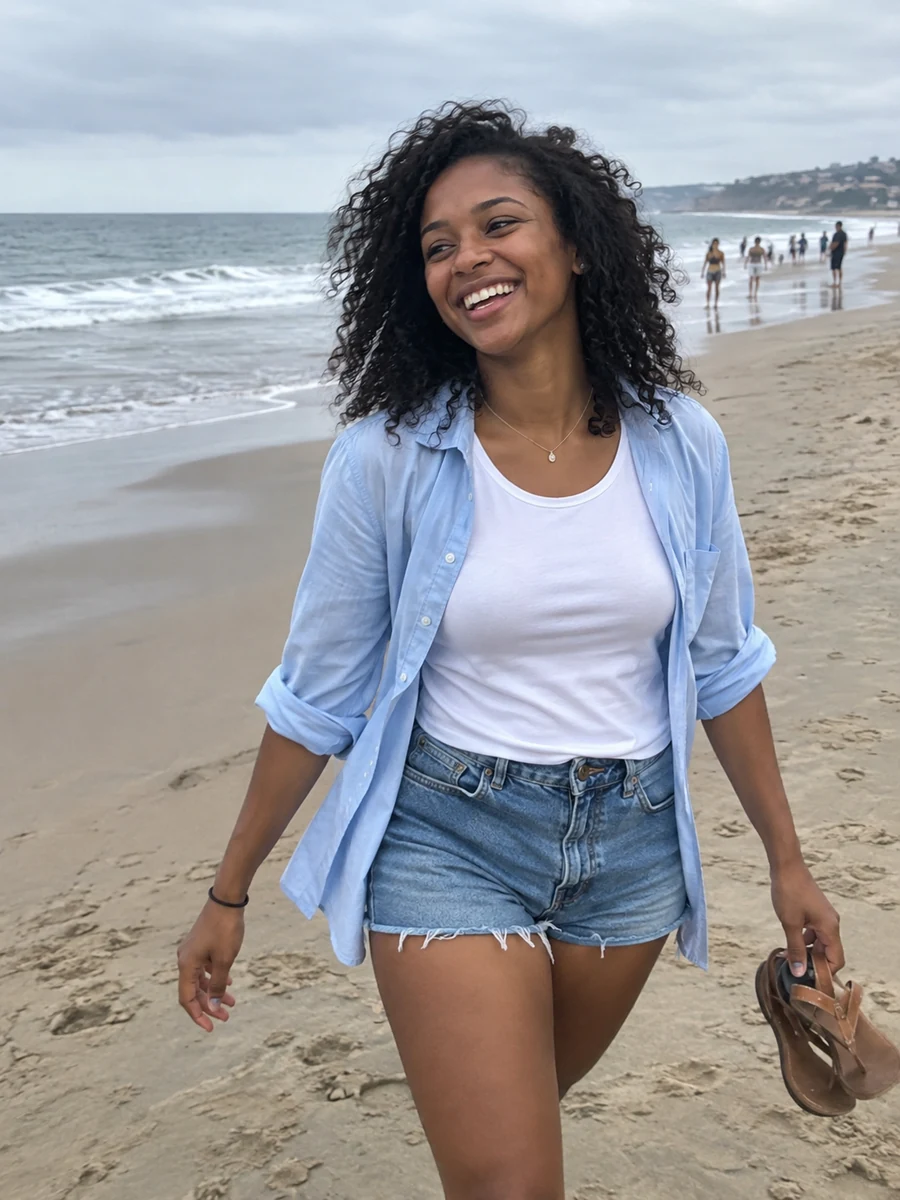
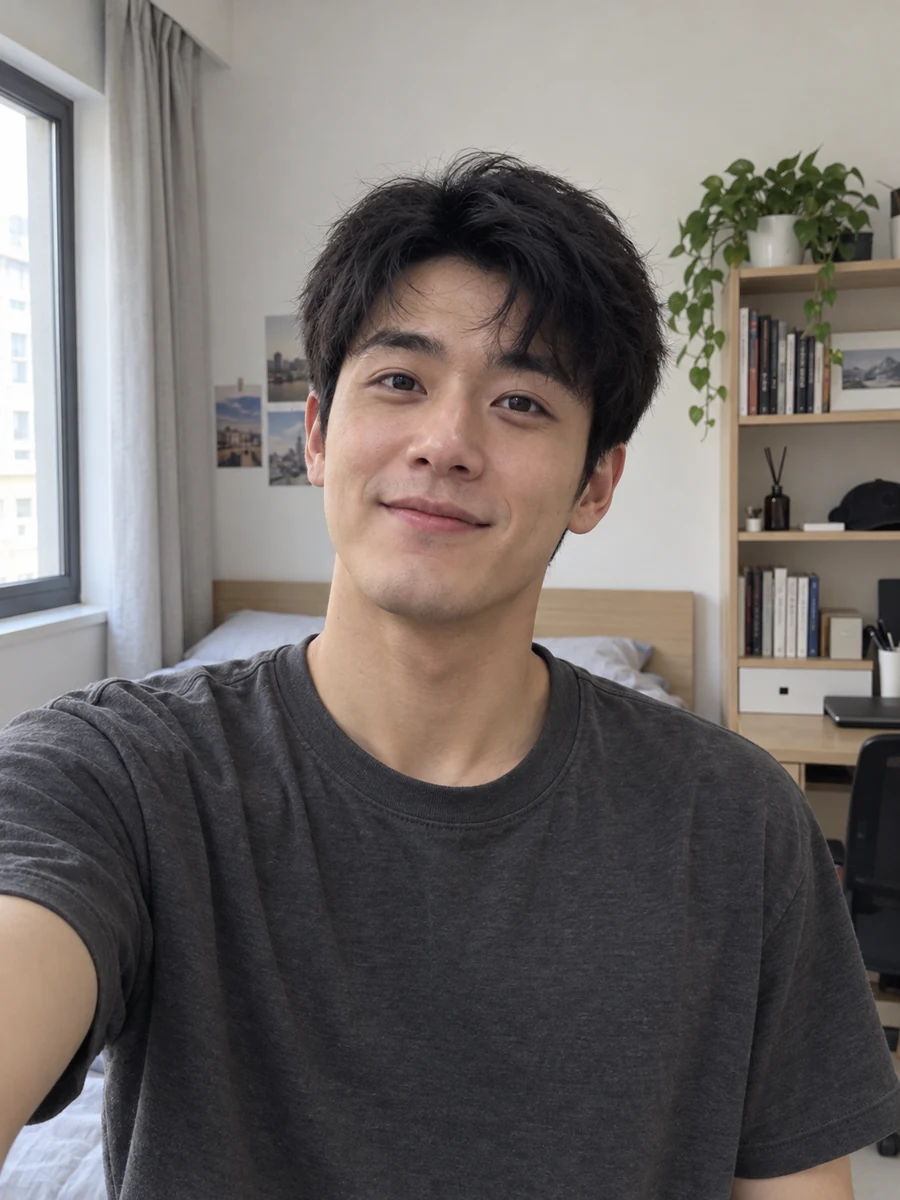
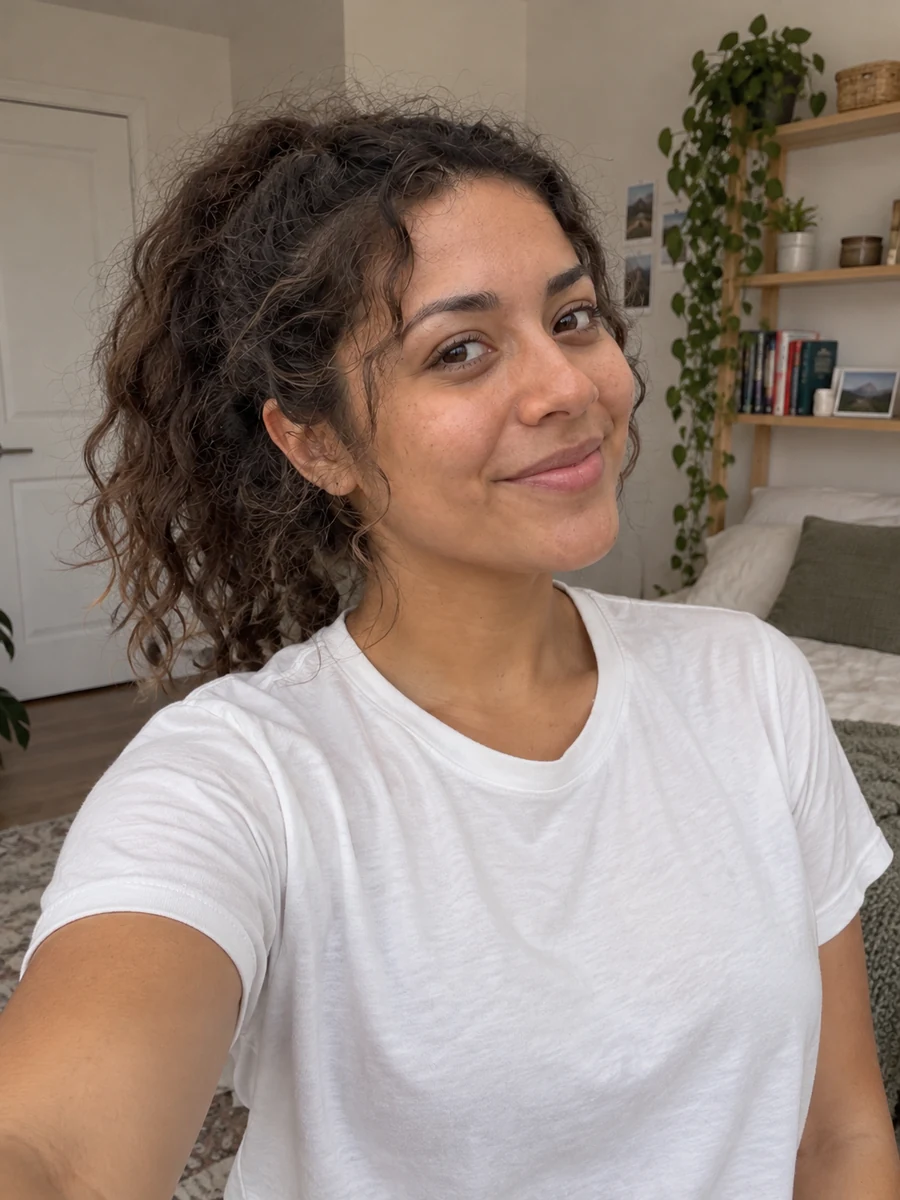
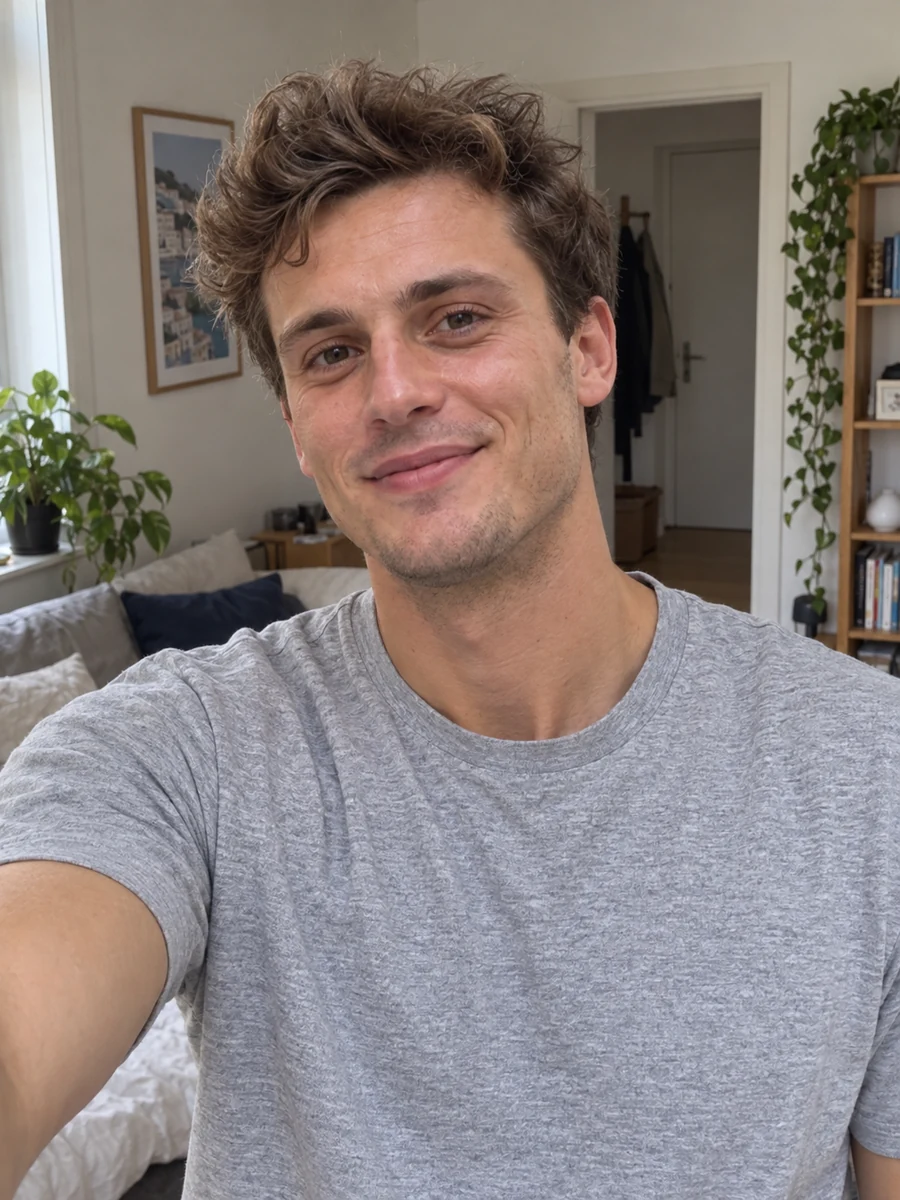
Showcase images were created with GPT Image for style inspiration. Results depend on your reference photos and direction.

For your profileTinderHingeBumbleInstagram

What do you need for your dating photos?

Lumatch creates AI dating photos from one portrait plus a scene reference, and reviews existing photos for free. For Tinder, Hinge or Bumble, check likeness and the app’s rules before posting.

I only have one clear selfie. Can I start?

Yes. Lumatch accepts one clear portrait of you plus a separate scene reference. Extra identity angles are optional. Generate one candidate first and check your features; likeness is not guaranteed.

See the one-selfie walkthrough

Can I try AI dating photos without a subscription?

Lumatch includes 2 trial credits for new accounts. One-time packs start at $6.99 for 18 credits, with no recurring charge. Generation, analysis, checks and repairs share that balance. Checkout shows final taxes.

Work out a small photo budget

Can I review a dating photo without signing up?

Lumatch’s free photo review checks lighting, framing, expression and other photo qualities without an account, email or payment. Up to 10 reviews per network address per day. It is not human voting, an attractiveness score or a full-profile review.

Review an existing photo for free

Can I use a selfie and a cafe scene reference?

Yes. Lumatch uses your portrait for identity and the reference for composition, light and setting. Choose pose, outfit and aspect ratio before generating. This creates a new image; it is not an exact face cutout or a pixel-for-pixel background replacement.

Plan a cafe photo with references

Everyday inspiration

A life beyond the perfect pose

Fictional people and moments, created with GPT Image as visual inspiration. Each scene has its own light, texture and mood.

everyday settings
16

everyday settings

portrait framing
3:4

portrait framing

your reference photos
You

your reference photos

Around the cornerAI style example
Around the cornerCity

An easy expression, a grocery run, a familiar street.

Coffee and conversationAI style example
Coffee and conversationCafe

Window light and a smile that arrives mid-conversation.

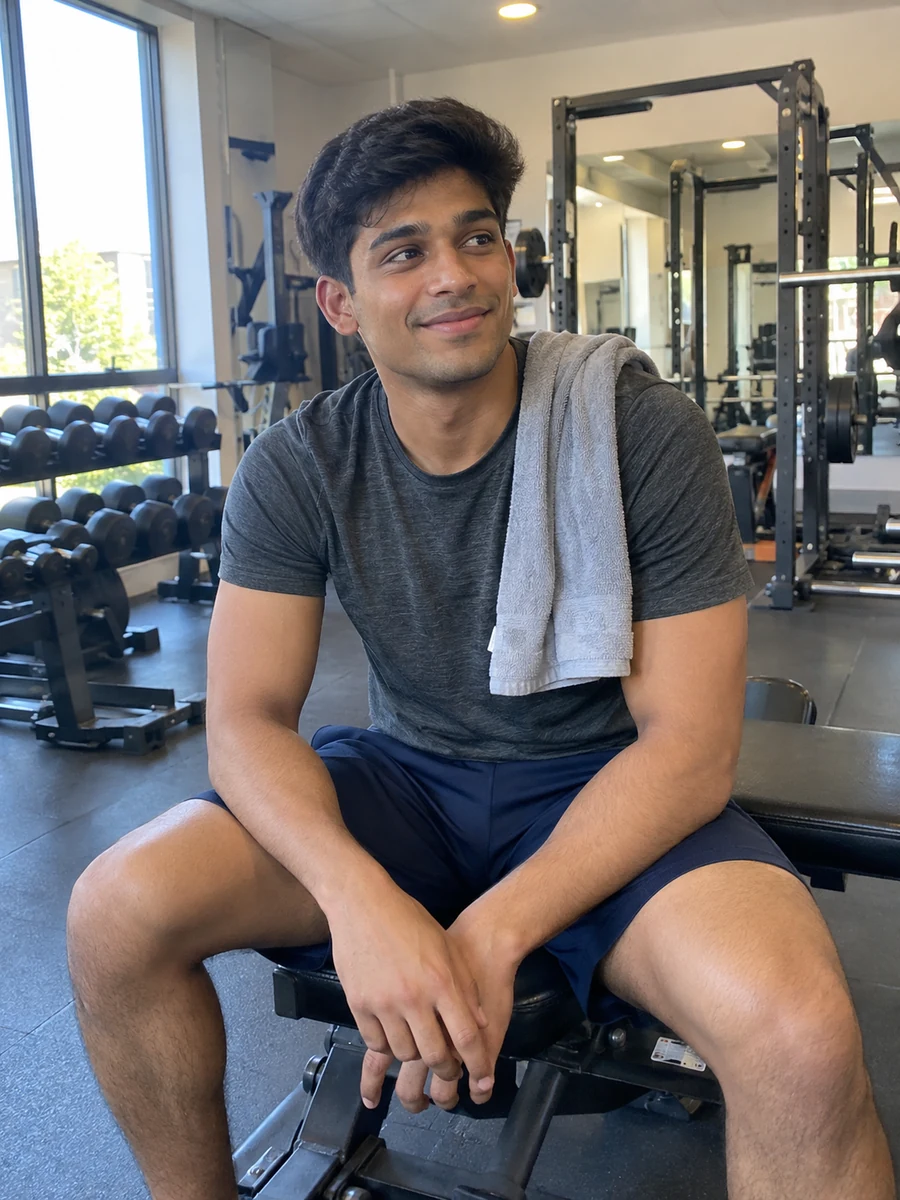
After the workoutAI style example
After the workoutGym

A relaxed pause, ordinary clothes, no fitness-ad pose.

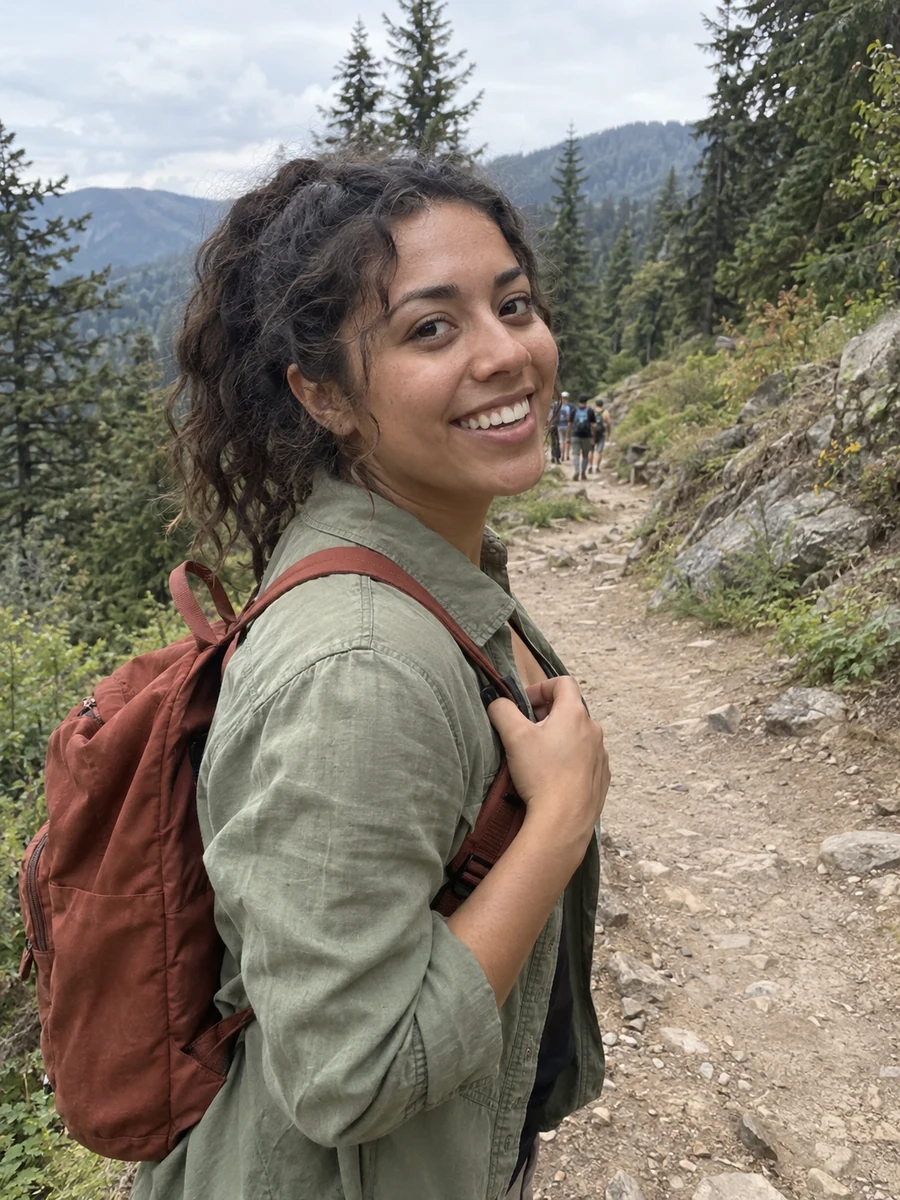
A little fresh airAI style example
A little fresh airOutdoors

Windblown hair and a trail with somewhere to go.

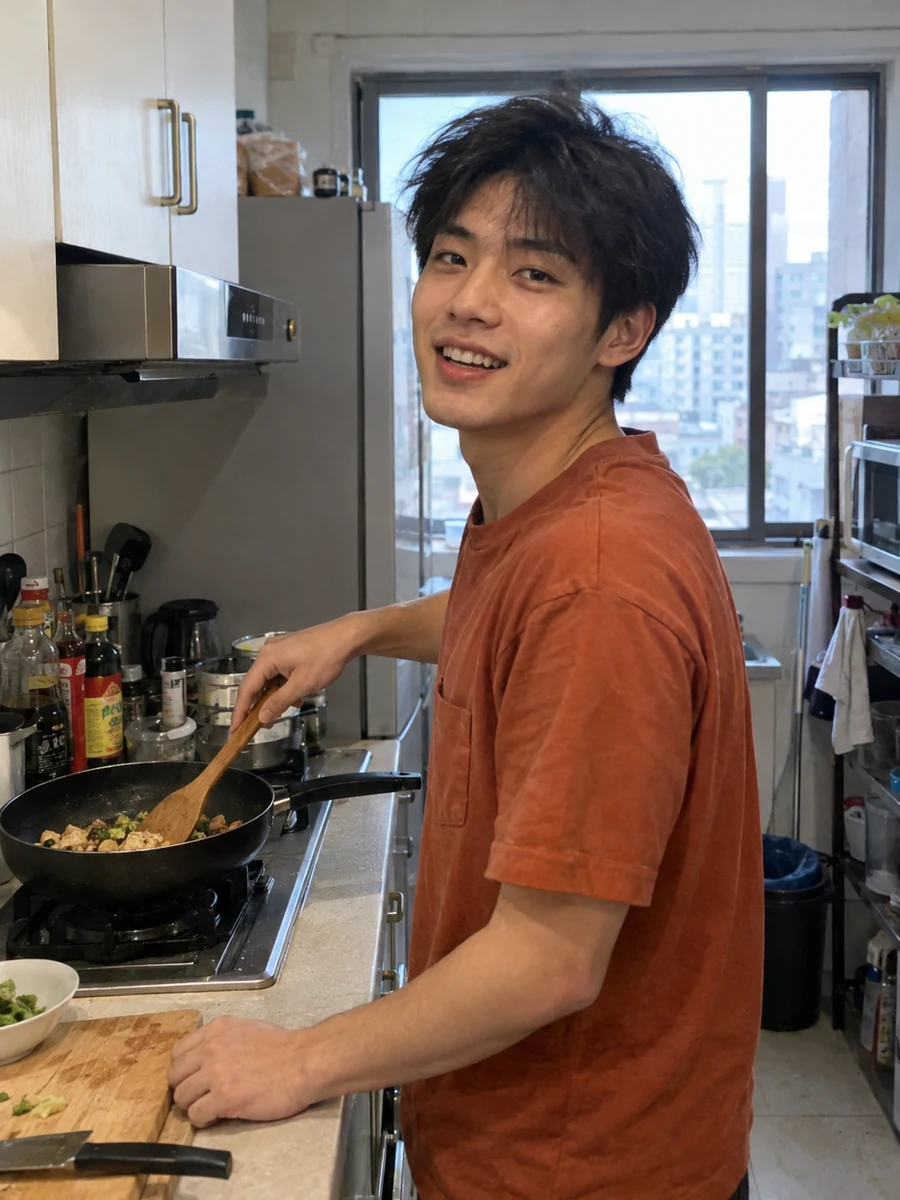
Something homemadeAI style example
Something homemadeKitchen

The small, imperfect details of making dinner.

An afternoon by the seaAI style example
An afternoon by the seaBeach

A sea breeze, soft daylight and an unhurried moment.

Style comparison

One person. Two everyday moments.

An illustrative pair created with GPT Image. Drag to explore the lighting and setting; these are style examples, not customer results.

  • Consistent facial features across the example pair
  • Ordinary daylight and visible skin texture
  • Relaxed expressions and lived-in surroundings
Scene ideaReference selfieReference selfieScene idea

Photo check

Small details change the feel of a photo

Illustrative photography tips: compare the framing, available light and surroundings. No automated beauty scores.

  • Close framing
  • Side-window light
  • Indoor selfie
  • Flat light
  • Busy room
  • Everyday selfie
  • Clear face
  • Natural light
  • Real-life scene
  • Genuine smile

How it works

From a lazy selfie to your best photo

No photographer, no studio, no awkward posing. Just the selfies already on your phone.

  1. 1 portrait + scene reference
    01

    Upload one clear photo of yourself

    Clear, well-lit photos of your face from a few angles. No studio needed — your camera roll works.

  2. Learning your features
    02

    Set your scene and photo direction

    Add a scene reference for the environment and choose composition, outfit, aspect ratio and quality. Your own photos provide the identity reference.

  3. Original downloadDownload
    03

    Review and download

    Pick your favourites, download in high resolution and upload them to any app.

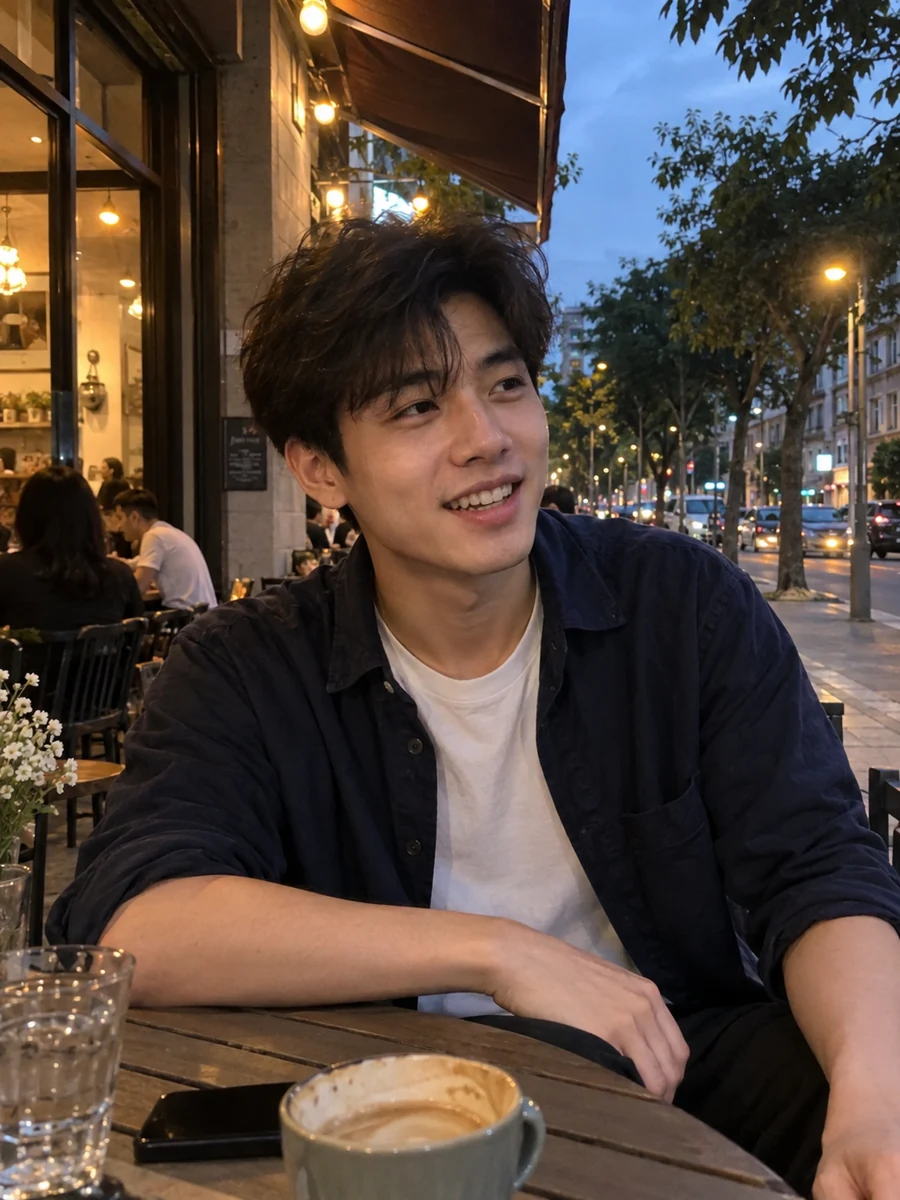
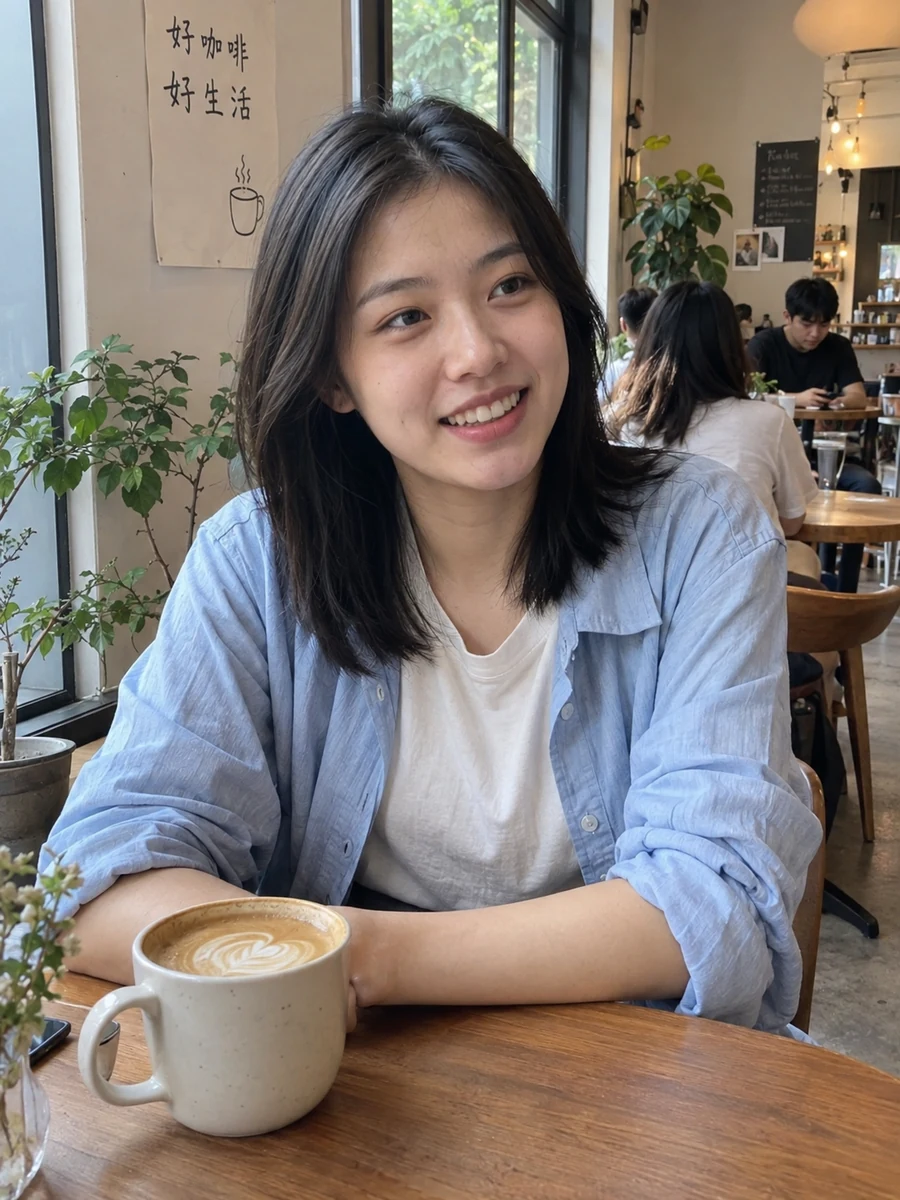
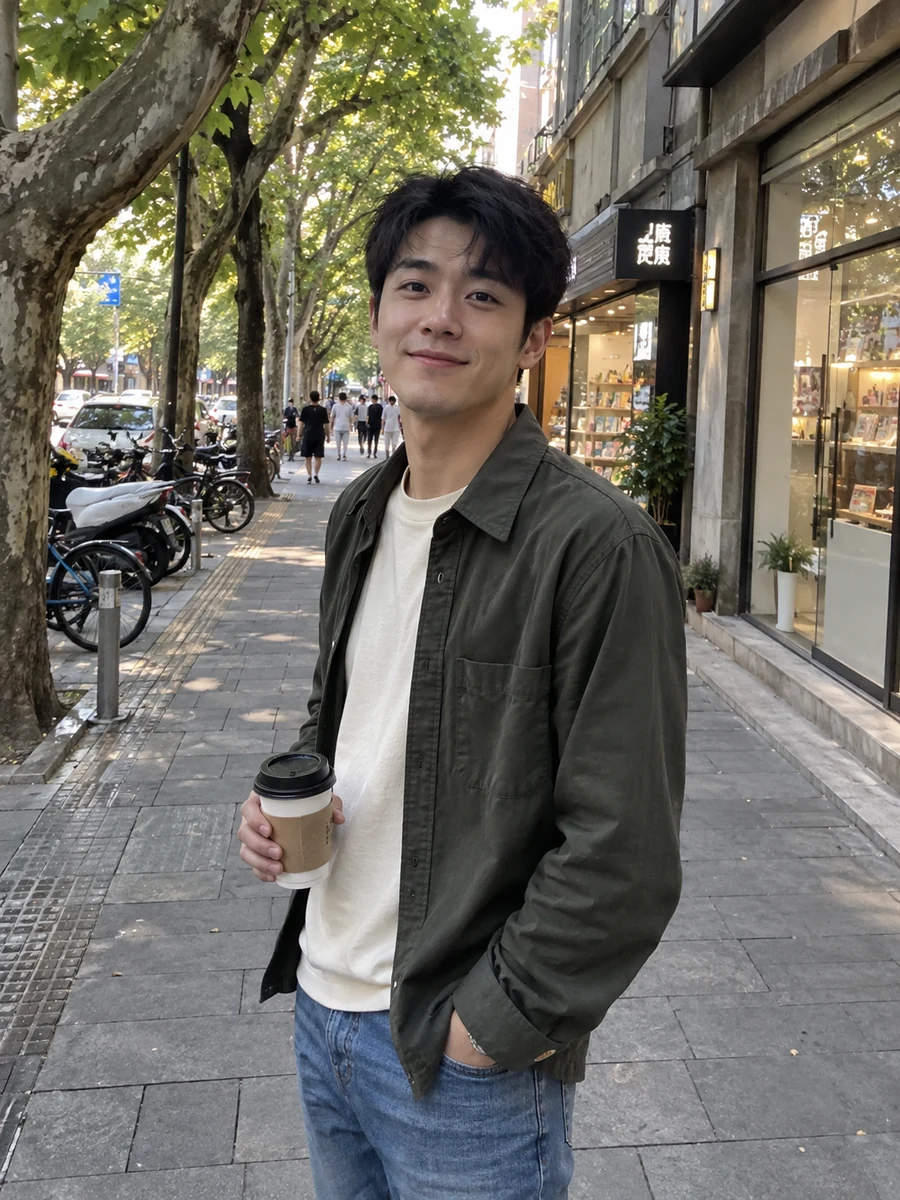
One portrait, two cafe generations

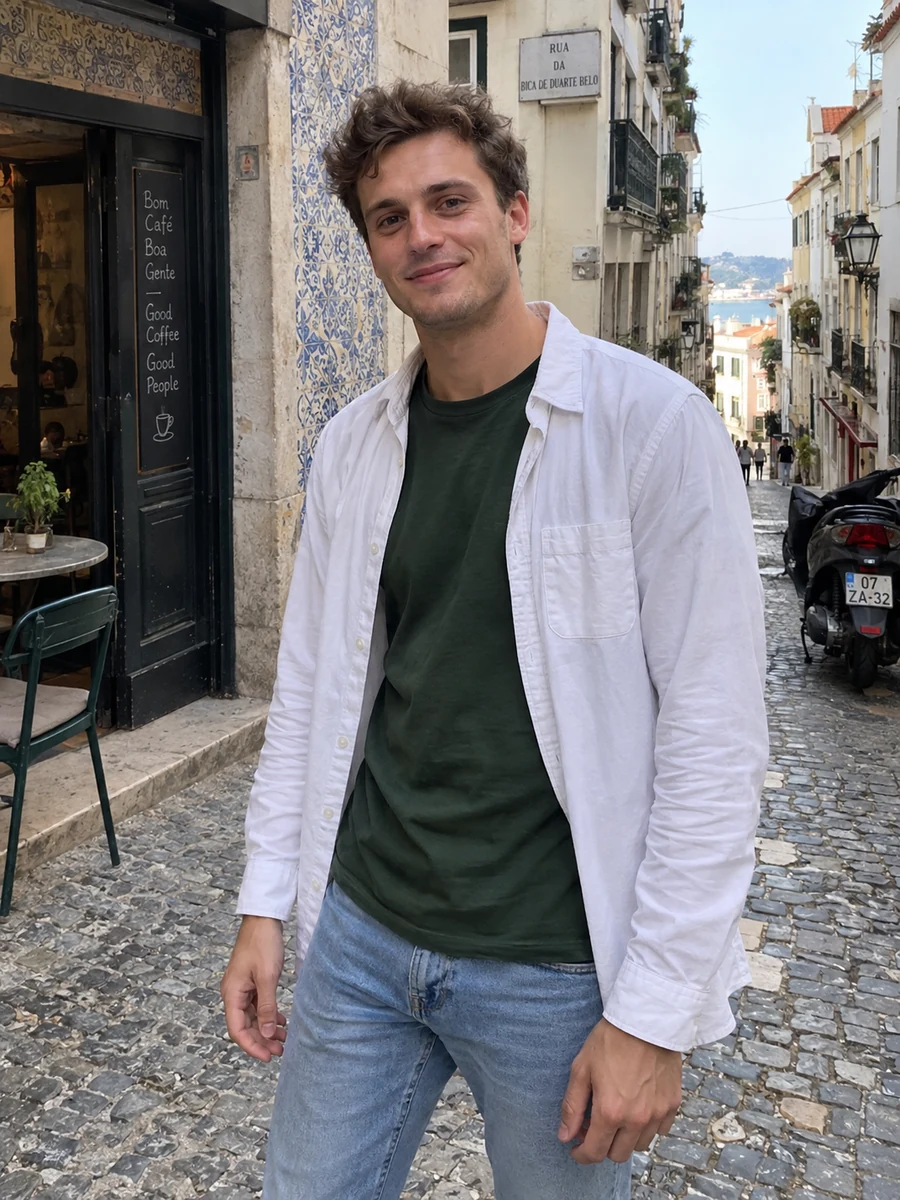
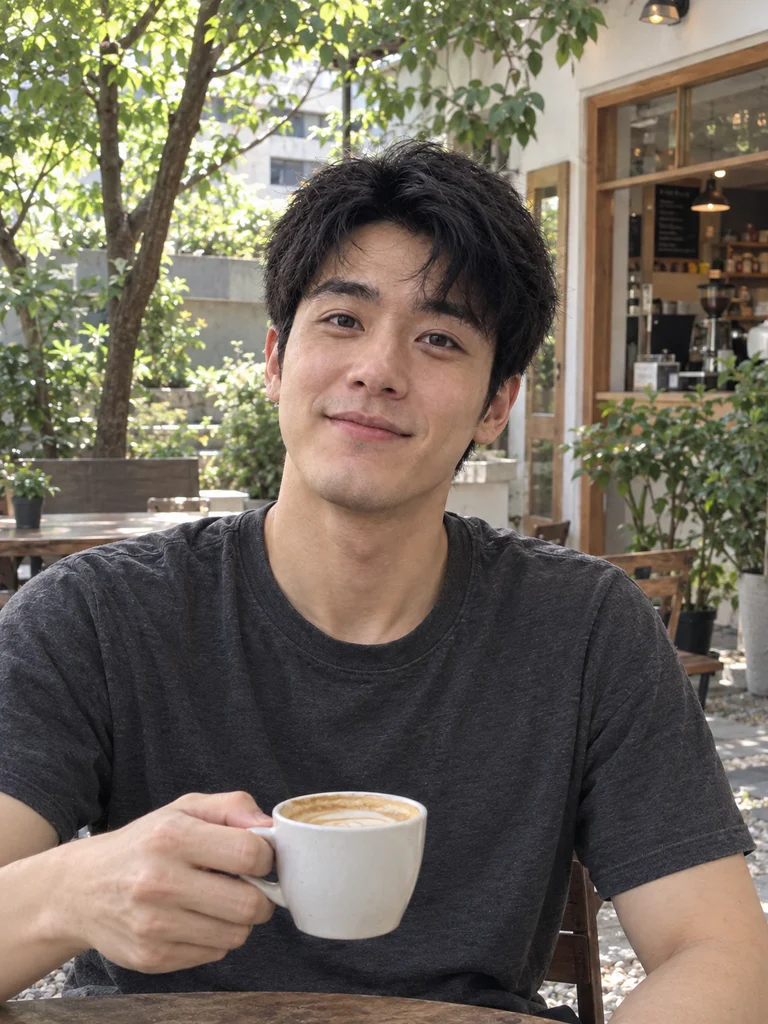
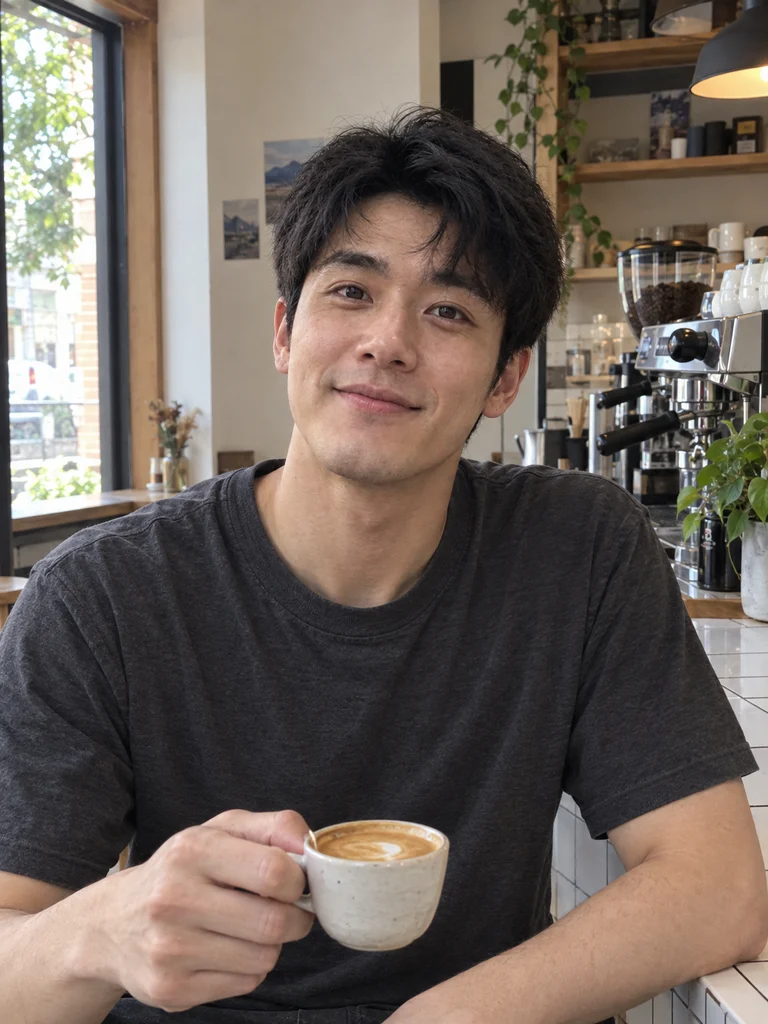
Choose Cafe with no scene reference: the same portrait produced different settings and framing. These are the input and outputs from an actual generation integration test, using an AI-created fictional adult, not a customer case study.

Input: fictional portrait
Output A: a leafy cafe
Output B: an indoor cafe

Recorded with the earlier generator on October 15, 2026 (Asia/Shanghai); the current studio requires a portrait and a scene reference for a new generation. Example model: GPT Image 2.5 Flare via OpenRouter, high quality. Both original outputs are 1152 × 1536 PNG; this page displays compressed WebP copies. This example does not guarantee the quality or timing of future generations.

Open the photo studio

What to know before you create

Lumatch is an AI dating photo generator for adults. Upload at least one portrait and a scene reference, then choose framing, outfit and aspect ratio to create profile photos. Check the result represents you accurately and follow the publishing platform’s AI-content rules.

What to upload
At least one clear photo of you (side, body and smile photos optional) plus one scene reference you like; optionally an outfit photo. References supply scene, composition and outfit, never anyone else’s identity.
How it works
Five steps: your photos → scene reference (optional AI breakdown) → direction (composition, pose, hairstyle, outfit, retouch, aspect ratio) → 1–4 candidates per run → select, visually check and repair specific areas.
Trial and cost
An account includes 2 trial credits. A high-quality photo or repair uses 1 credit (higher quality 2, maximum 3); a reference analysis uses 1 and a visual check uses 1. Starter $6.99 / 18 credits; Plus $13.99 / 48 credits; Pro $27.99 / 108 credits. One-time purchases, no subscription. Final taxes appear at checkout.
Results and waiting
Choose 2:3, 3:4, 1:1, 4:3, 3:2 or 9:16 and download the original output. Jobs run in the background one after another and keep going if you leave; results appear in My photos. Failed jobs return their credits.
Storage and privacy
Uploaded photos and results stay in your private studio and are sent to the model providers only for analysis, generation or checks, until you delete them or close your account. Repeat downloads cost no credits.
Models in use
Generation and repairs: GPT Image 2.6 Sunburst through OpenAI, with GPT Image 2.5 Sunburst through OpenRouter as a fallback; studio analysis and visual checks also run through OpenRouter. Free single-photo reviews: Doubao Seed 2.1 Turbo through Volcengine Ark.

The free review checks one photo’s lighting, framing and expression without sign-up, with up to 10 requests per network address per day. Scores are AI suggestions, not attractiveness ratings or predictions of matches.

AI results can contain errors in facial features, hands or other details; likeness is not guaranteed in every result. Only upload adult photos you have permission to use. Generated images are not identity documents and must not be used to impersonate others.

Why it works

Better photos are the biggest lever on any dating app

Make your profile easier to understand

Clear lighting and varied scenes can help people see your face and interests. Photo quality alone cannot predict matches or how an app will rank your profile.

Based on your references, only you

Your own photos guide identity while the scene reference guides the setting. Check every output: facial details and likeness can change.

Natural, not "AI-looking"

Real skin texture, believable light and everyday scenes. No plastic skin, no fantasy backgrounds.

Private by design

Your reference photos are sent securely to OpenRouter and OpenAI for generation. We do not publish them in a gallery.

At a glance

High
Generation quality
3:4
Dating-app portrait ratio
Minutes
Typical generation time
16
Life scenes

vs. hiring a photographer

UsPhotographer
CostFrom $0, one-time plans$150–$500+ per shoot
TurnaroundUsually within a few minutesDays to weeks
Scenes & outfits16 scenes from one uploadLimited to the shoot
Re-shootsGenerate again anytimeRe-book and pay again
Looks like youGuided by your portrait; review resultsYes

Pricing

Cheaper than one bad date

One-time payment. No subscription.

Every account gets 2 trial credits. Purchased credits do not expire. No automatic renewal.

Starter

$6.99one-time

  • 18 credits
  • Up to 18 high-quality photos
  • Reference analysis & visual checks
  • Targeted repairs, original downloads
Most popular

Plus

$13.99one-time

  • 48 credits
  • Up to 48 high-quality photos
  • Higher & maximum quality tiers
  • Targeted repairs, original downloads

Pro

$27.99one-time

  • 108 credits
  • Up to 108 high-quality photos
  • Best value per credit
  • Saved versions & repeat downloads

Confirm the currency and final total at checkout, including any applicable taxes.

Unused paid packages: request a full refund within 7 days. See terms and exceptions.

Privacy

What happens to your photos

References stay in your private studio

Uploaded references and generated results stay in your private studio until you delete them or close your account. References are sent to model providers when you request analysis, generation or a visual check.

Saved to your private library

Your generated photos are saved to your account. Download them again whenever you like, or delete them anytime.

Not sold or publicly shared

We do not sell your photos. Reference images are sent to OpenRouter and OpenAI to provide the generation you request.

Delete anytime

Close your account in Settings. Request access to or deletion of other personal data through support.

Questions

Do I need an account, and is there a free trial?

Sign in to generate and save photos. New accounts receive 2 trial credits. Each generation or repair costs 1 credit at high quality, 2 at higher quality or 3 at maximum quality. Reference analysis costs 1 credit and a visual check costs 1. For a first trial, skip optional analysis and checks and generate one high-quality photo. Failed jobs return their credits.

How much does Lumatch cost, and how many photos do credits buy?

One-time packs: Starter $6.99 / 18 credits; Plus $13.99 / 48 credits; Pro $27.99 / 108 credits. There is no subscription; final taxes appear at checkout. Each candidate is charged separately. Used only for generation, 18 credits cover 18 high-quality, 9 higher-quality or 6 maximum-quality candidates. Analysis, checks and repairs spend the same balance. These are generation counts, not a guarantee of usable photos.

Is the free photo review the same as free AI photo generation?

No. The free review checks an existing photo's lighting, framing and expression without sign-up, up to 10 requests per network address per day. It does not create a new photo. Studio generation needs sign-in, your portrait, a scene reference and trial or purchased credits. Review scores do not rate attractiveness or predict matches.

Can I download my photos again later?

Yes. Results are saved in the studio under My photos until you delete them or close your account. Repeat downloads do not use credits. Generation continues in the background if you leave the page.

Can I get a refund?

You can request a full refund within seven days of purchase if the package has not been used to start generation. Used packages are normally non-refundable; duplicate charges and service faults are reviewed separately. Email support@lumatch.app with your order details. Free trial credits involve no payment to refund. See the Terms for full conditions and applicable rights.

Will the photos actually look like me?

We use your portrait as the identity reference and aim to preserve your features while changing the scene, light or outfit. AI can still change details: check the face, hands and skin texture before using a result.

Can I make AI dating photos with only one selfie?

Yes. Lumatch needs one clear portrait of just you and a separate scene reference, such as a cafe or outdoor setting. “One selfie” means one identity photo, not one total upload. Extra identity angles and an outfit reference are optional. Keep your face visible without sunglasses or heavy filters, and check likeness before using the output.

Is it allowed on dating apps?

Follow each platform’s rules on AI images and authentic identity. Disclose AI editing where required and check that results accurately represent you.

Will my matches be able to tell the photos are AI?

Results vary. Review your photos for likeness before sharing. We aim for natural, true-to-life photos — real skin texture and believable light — not a stylized "AI look".

How is this different from retouching my photos?

Retouching usually adjusts an existing photo. Generation creates a new image guided by your reference, including changes to scenes, light and outfits. Review it carefully because generated details may differ from the original.

What happens to my selfies?

They are sent securely to OpenRouter and OpenAI for generation. Lumatch does not train its own model on your photos; see our Privacy Policy for provider processing and data rights.
Your next match is one great photo away

Upload your portrait and a scene reference, then create and review your first photo.

Generate my photos free