Bumble photo guide
Best Bumble photos: profile picture tips that work
Your photos decide your Bumble results long before anyone reads your bio. Here is what the best Bumble photos have in common, which pictures to avoid, and how to get better ones fast.
Photo examples that work
Showcase images were created with GPT Image for style inspiration. Actual generation uses GPT Image 2.5 Flare; results depend on your reference photos.
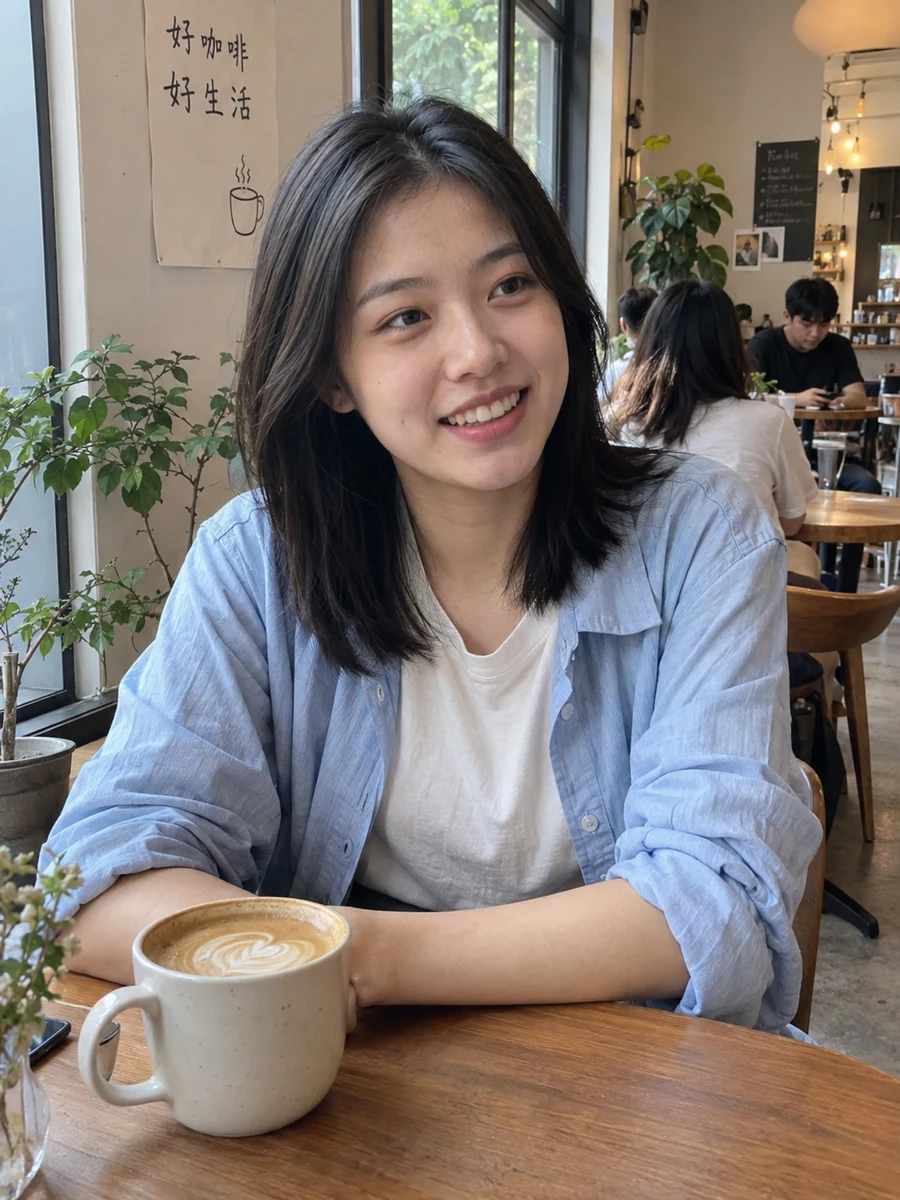
The clear lead photo
Face-forward, natural light, genuine smile. This is the photo that earns the first swipe.
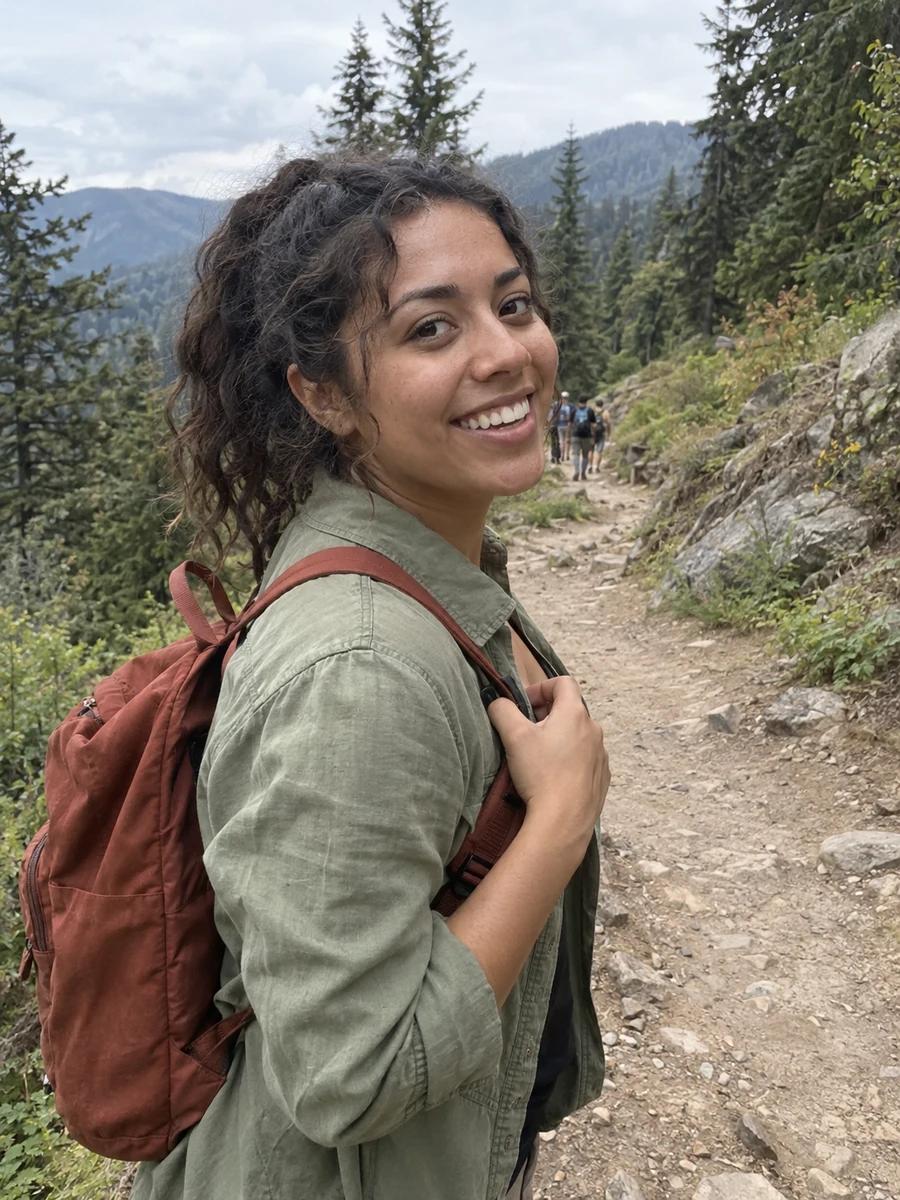
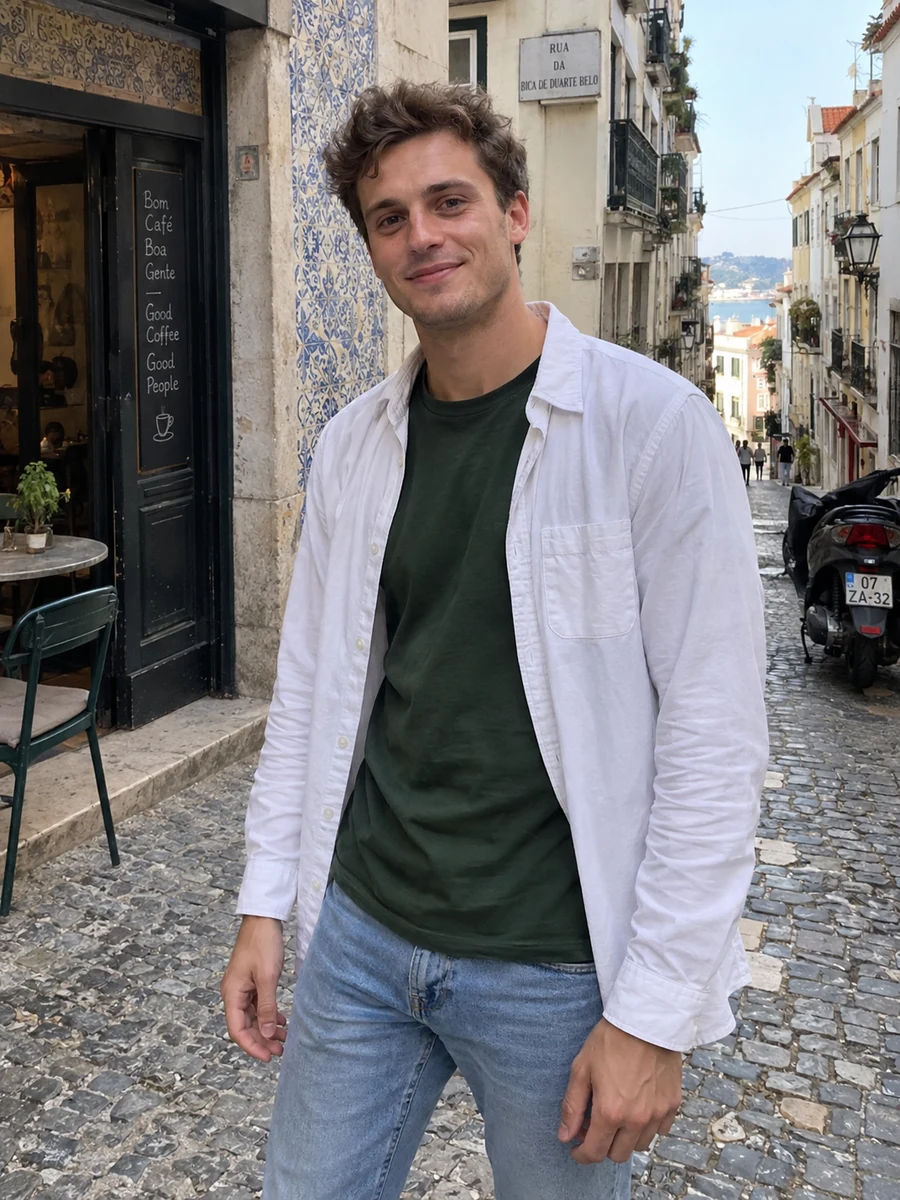
The lifestyle shot
A cafe, a hike, a trip — a specific place gives people something to message you about.
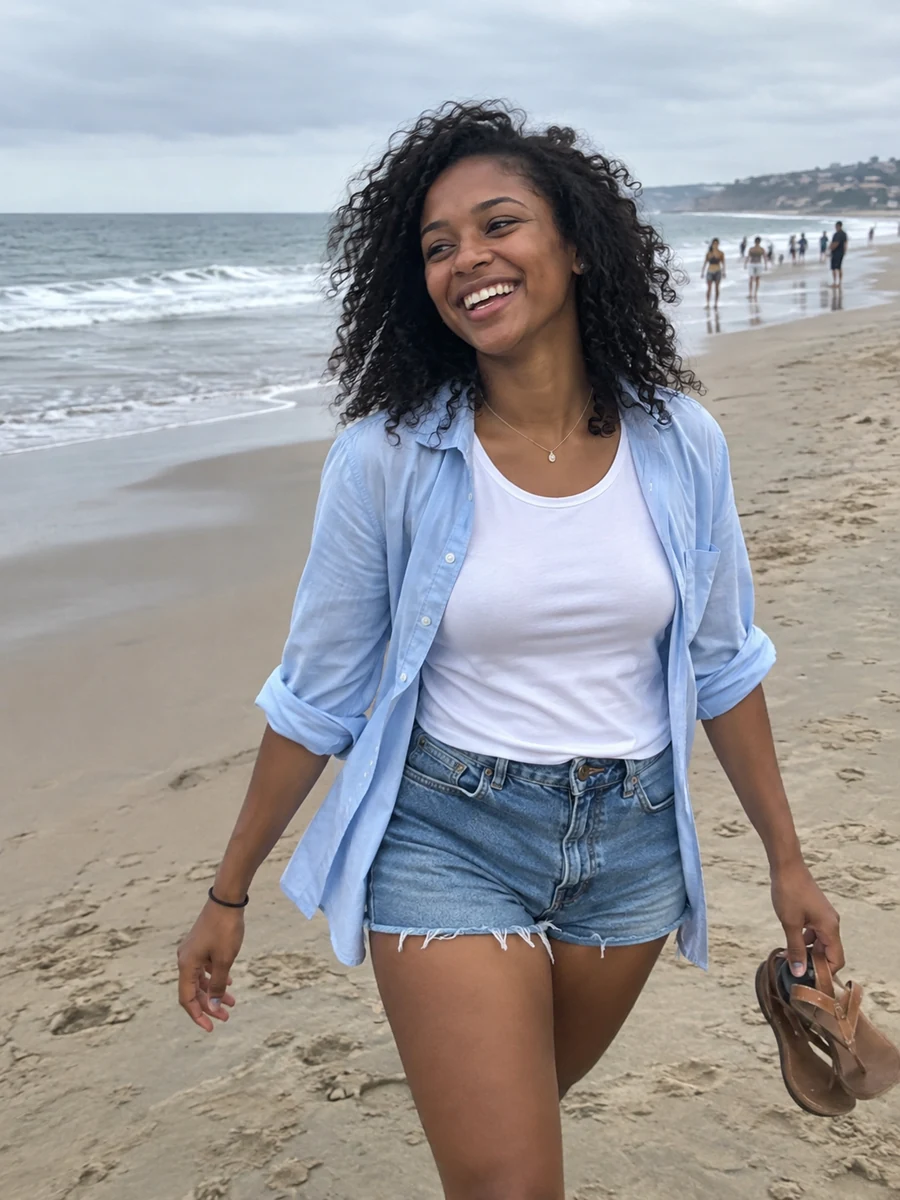
The full-body photo
Shows your style and build honestly. Profiles without one feel like they are hiding something.
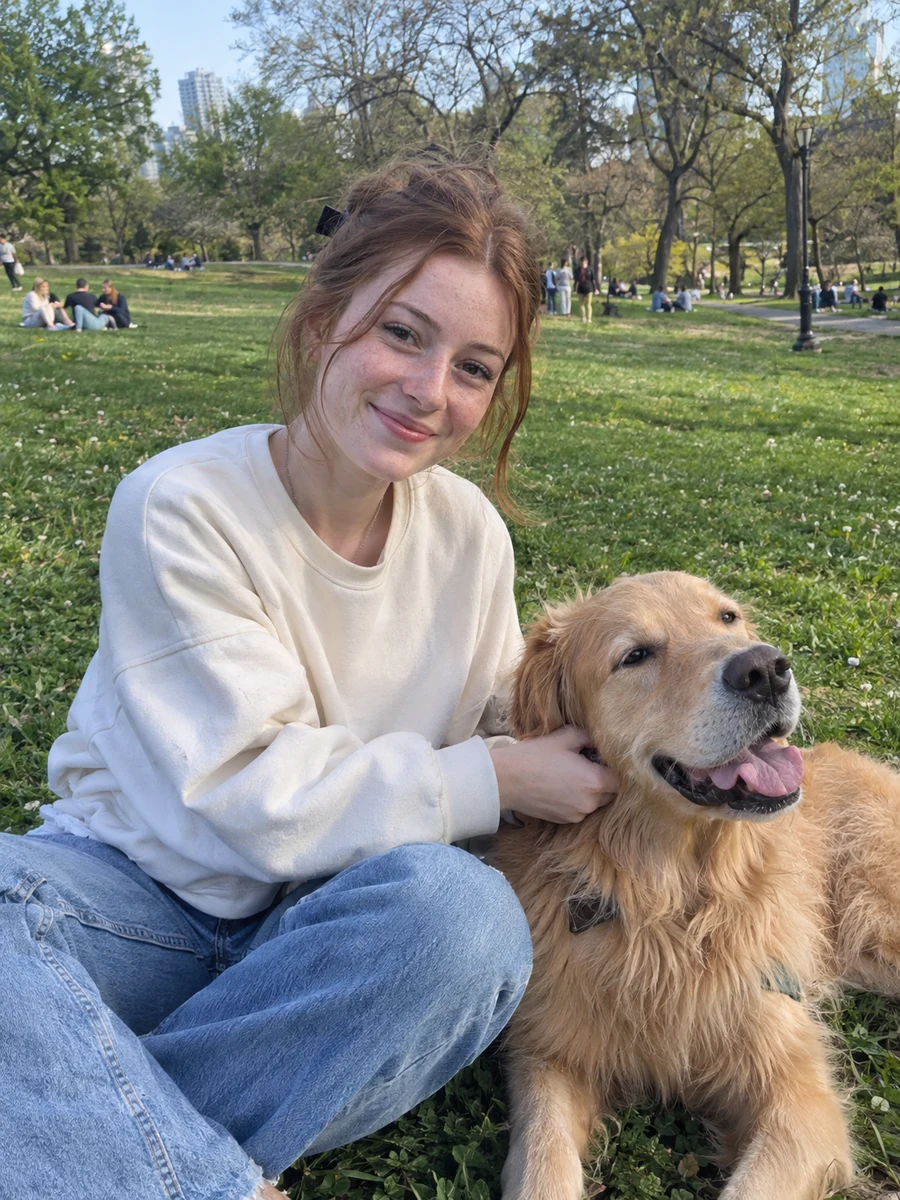
The personality shot
You with a dog, cooking, at a concert — a photo that shows what you actually enjoy.
Photos that quietly cost you matches
- Car selfies and bathroom mirror selfies
- Sunglasses or hats that hide your eyes
- Group photos as your lead (who are you?)
- Dim rooms, harsh ceiling light or heavy filters
- Blurry, low-resolution or old photos that don't look like you now
Bumble photo tips that get more matches
- 1
Make your face unmistakable
A clear, well-lit face photo first, plus at least one full-body photo — honesty builds trust.
- 2
Look approachable
Warm expressions and relaxed body language make it easier for someone to send the first message.
- 3
Show your lifestyle
Hobbies, pets and travel give matches an instant opener for the first message.
- 4
Skip group-photo guessing games
If you use a group photo, never as the lead — and make sure you are easy to spot.
Not sure how your photos score?
Our free AI review scores any photo in seconds and tells you exactly what to fix.
Get your free photo score
Upload one photo you use (or plan to use) on your profile.
Free · no sign-up · results in ~10 seconds
Your photo is analyzed and never stored.
What our AI checks in every photo
First impression
How fast your face reads in a thumbnail — eyes visible, clear expression, nothing blocking you.
Photo quality
Sharpness, exposure and lighting. Blurry, dark or harsh-shadow photos lose swipes instantly.
Expression
Genuine vs. forced, eye contact and warmth — the difference between "nice" and a right swipe.
Pose & angle
Body language and camera angle. Flags low angles, awkward crops, car and mirror selfies.
Background
Messy rooms and blank walls score lower than clean, specific places that start a conversation.
Lifestyle signal
Hobbies, travel, pets, friends — photos that hint at what a date with you is like.
No great photos? Make them from selfies
Upload one clear photo of yourself and get natural photos of you at a cafe, on a hike, in the city or with a dog — ready for any dating app.
Showcase images were created with GPT Image for style inspiration. Actual generation uses GPT Image 2.5 Flare; results depend on your reference photos.
Generate my dating photos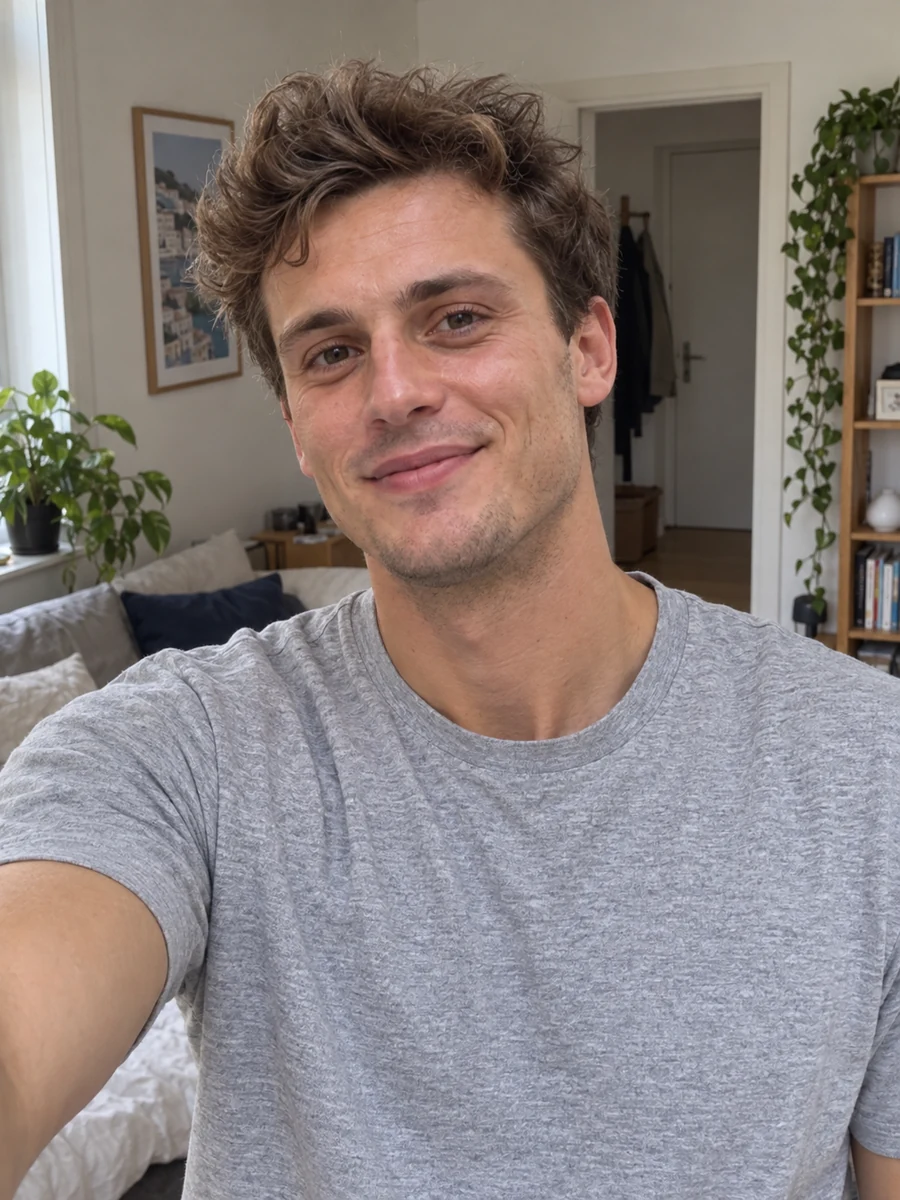
Frequently asked questions
How many photos should I put on Bumble?
Aim for 4-6 strong photos: one clear lead face photo, one full-body shot and a few lifestyle photos. Fewer great photos beat many average ones.
What is the best first photo for Bumble?
A sharp, well-lit, face-forward photo of just you with a genuine smile, taken from eye level — no sunglasses, no group.
Can I use AI photos on Bumble?
Photos should genuinely represent you. Use AI photos generated from your own selfies to improve light and scenes — not to change how you look — and mix them with recent real photos.
Why am I not getting matches on Bumble?
Photos are the most common cause — dim, blurry or hidden-face photos get skipped before anyone reads your bio. Score each photo and replace the weakest ones first.